AI Caption Removal
AI Caption Removal automatically removes existing subtitles from videos, allowing you to easily reuse video content, add new captions, or localize videos for different markets without re-editing the entire video.
This feature helps clean up subtitle-heavy videos and prepares them for translation, dubbing, or new creative adaptations. By removing old subtitles, users can easily add new captions or voiceovers, saving significant editing time and making it easier to expand video content to multiple markets.
To get started, log in to your Pody.ai account at https://app.pody.ai/login and access the AI Caption Removal feature.
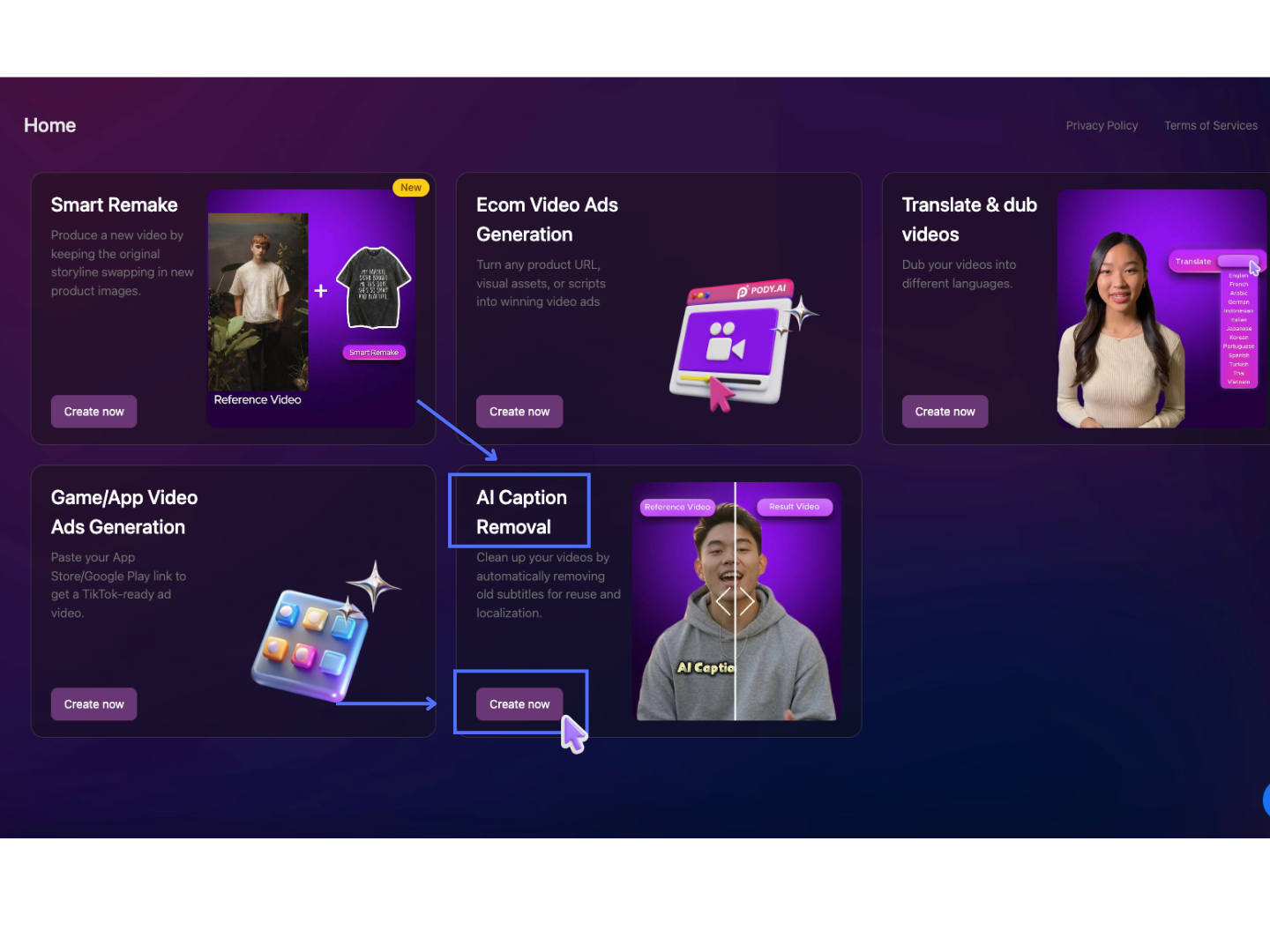
AI Caption Removal Guidelines
Step 1: Upload Video
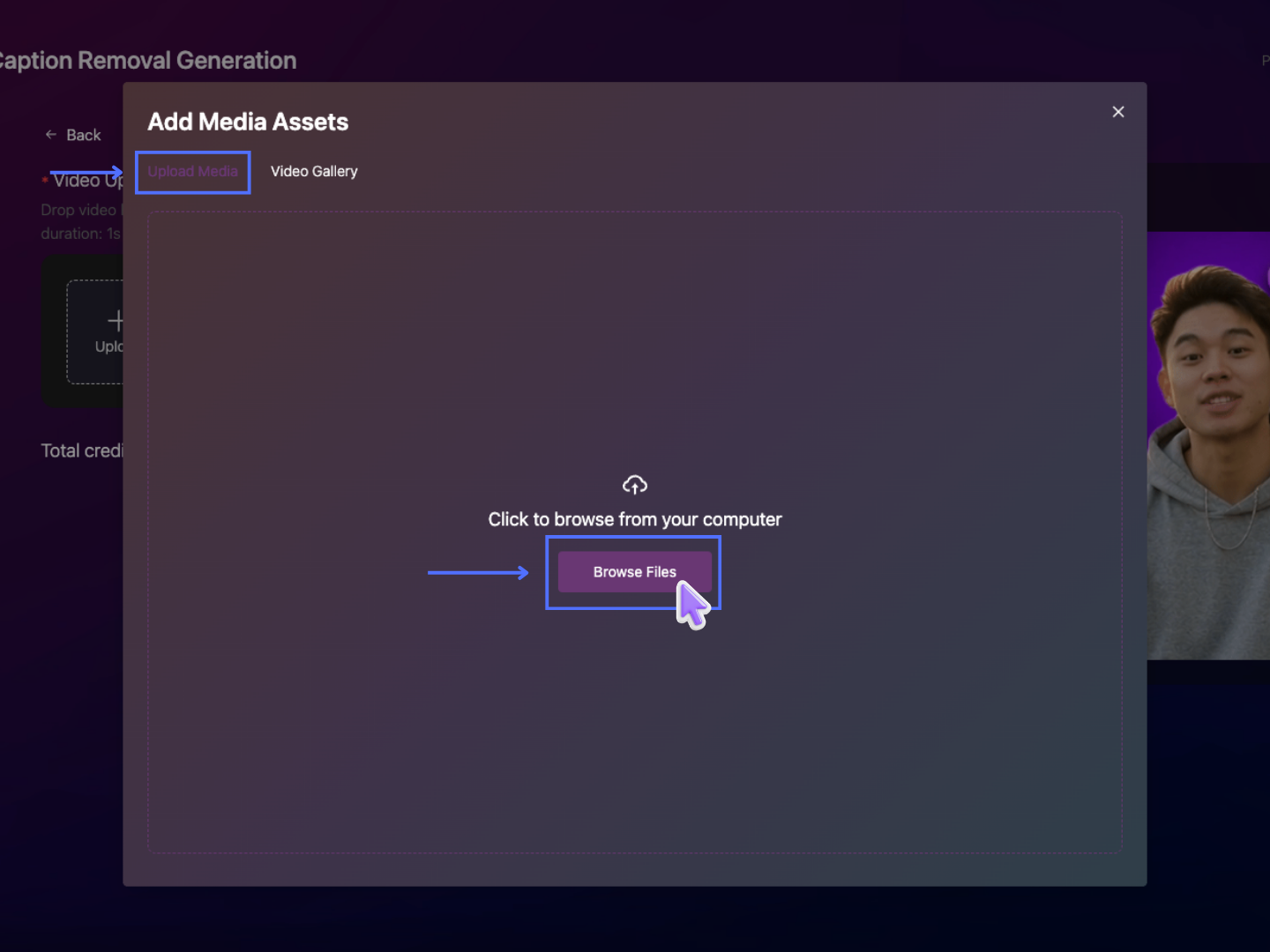
Click Upload to open the media upload popup.
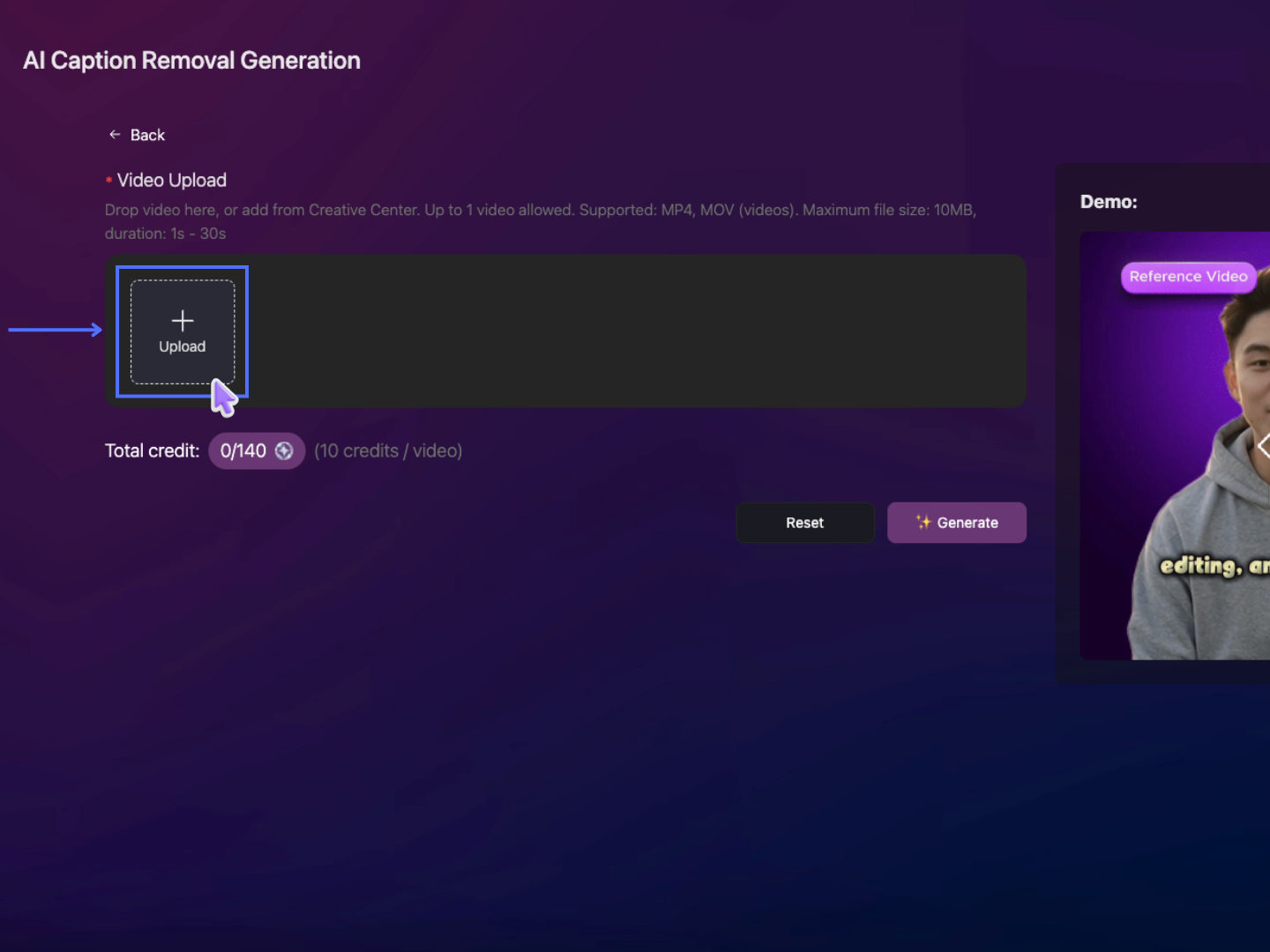
In the popup window:
- Select the Upload Media tab, then click Browse Files to choose a video file from your computer.
- The Video Gallery tab displays videos that have already been generated and stored within your current Project, allowing you to select an existing project video for processing.
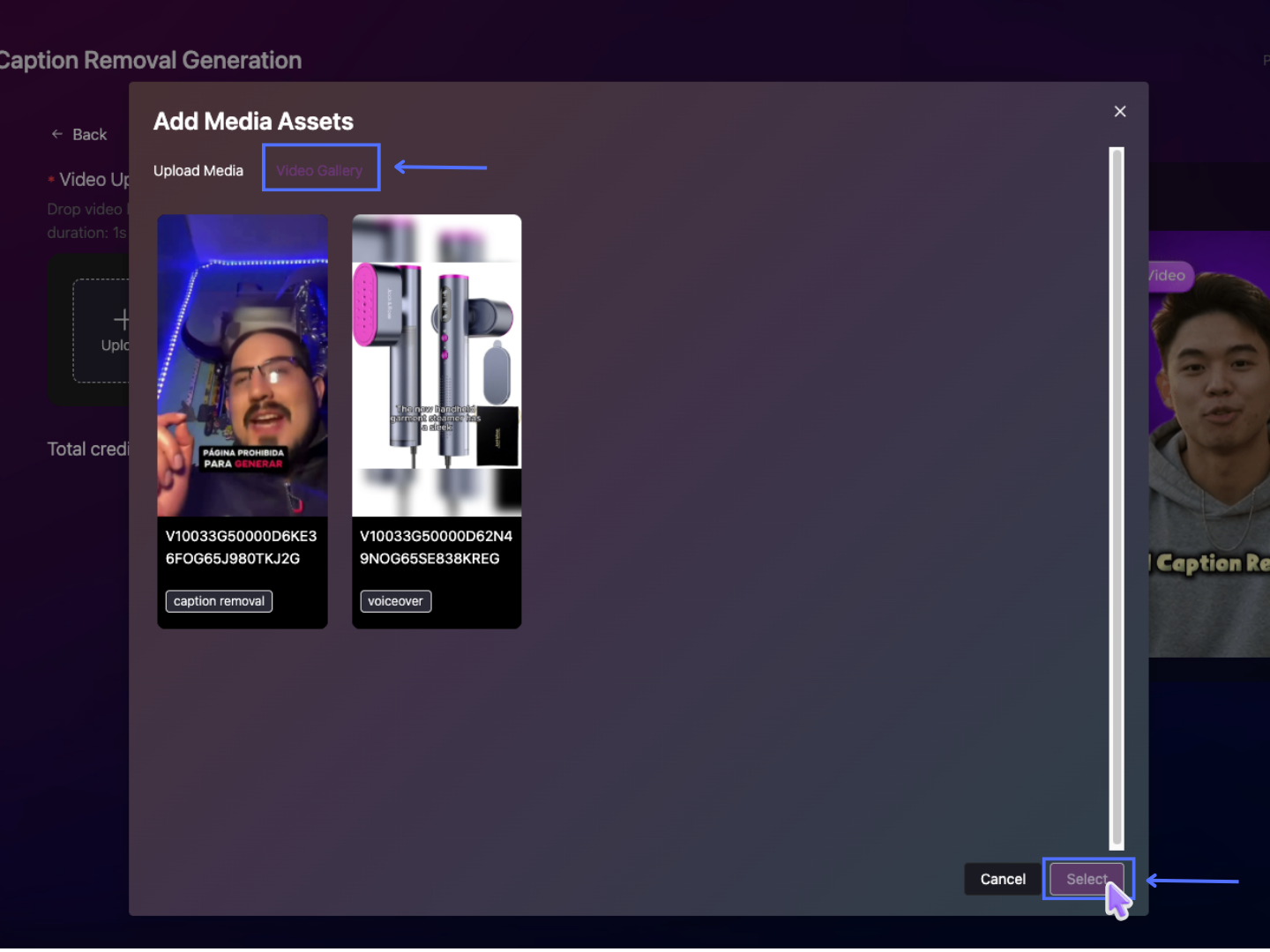
Upload your video with the following requirements:
- Supported formats: MP4, MOV
- Maximum file size: 10MB
- Supported duration: 1–30 seconds
- Maximum videos per task: 1 video
Step 2: Generate Video
Click Generate to start the caption removal process.
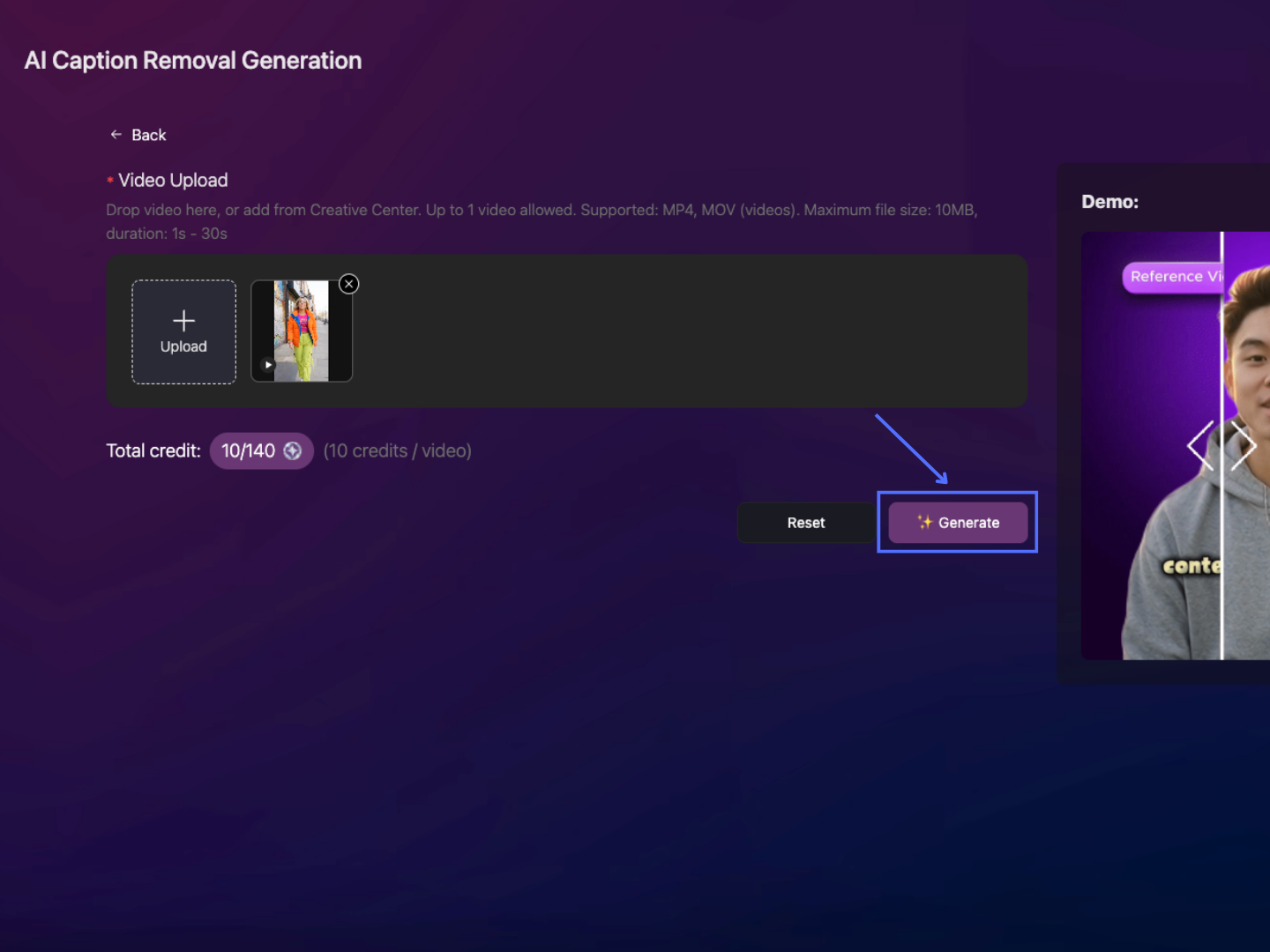
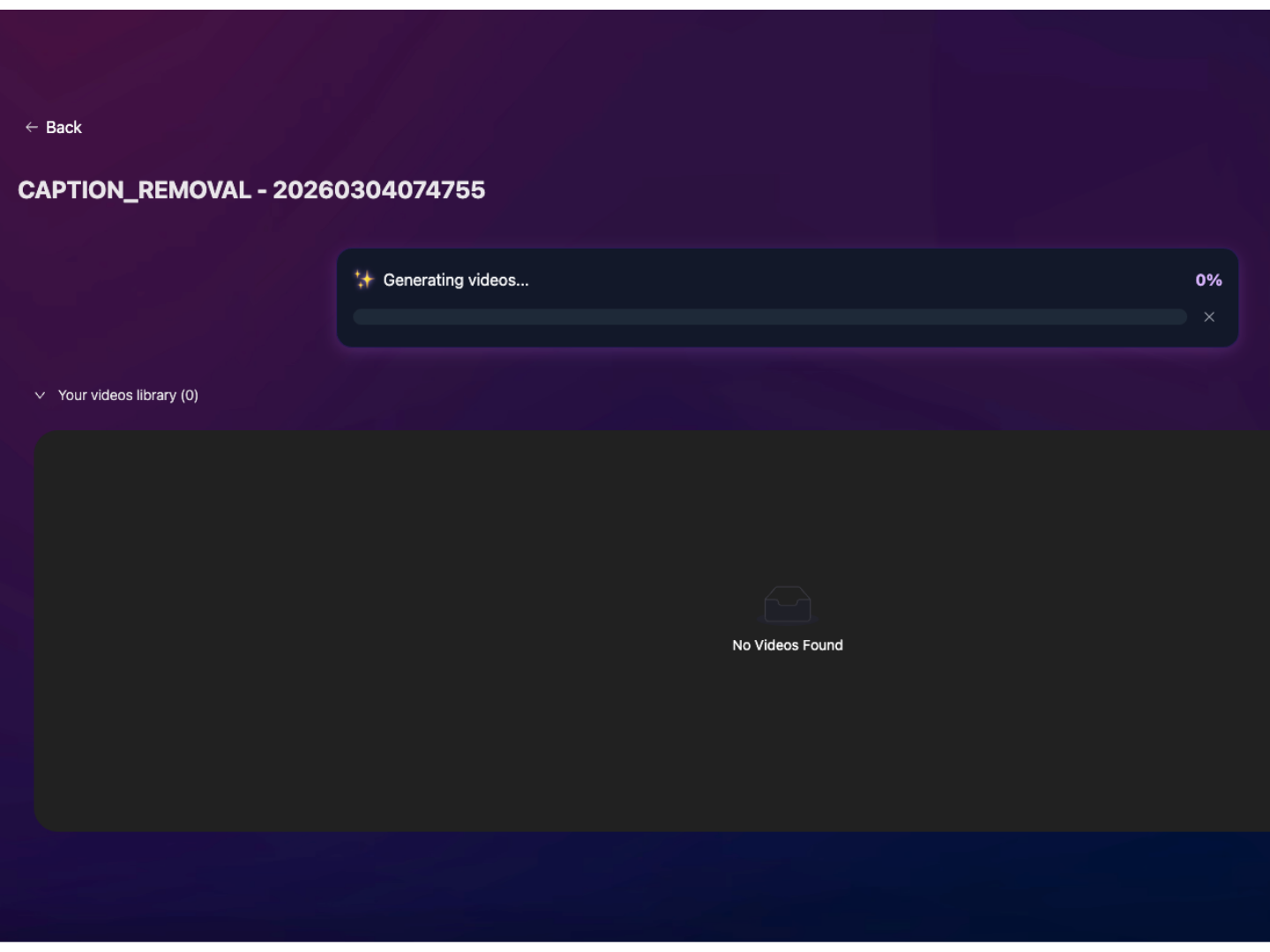
The AI will automatically detect and remove subtitles from the video while preserving the original content.
Result Demo
Reference Video
AI Caption Removal Video
Step 3: Access Your Result
Once the processing is complete, the result video will appear in the result screen. You can download or preview the cleaned video directly.
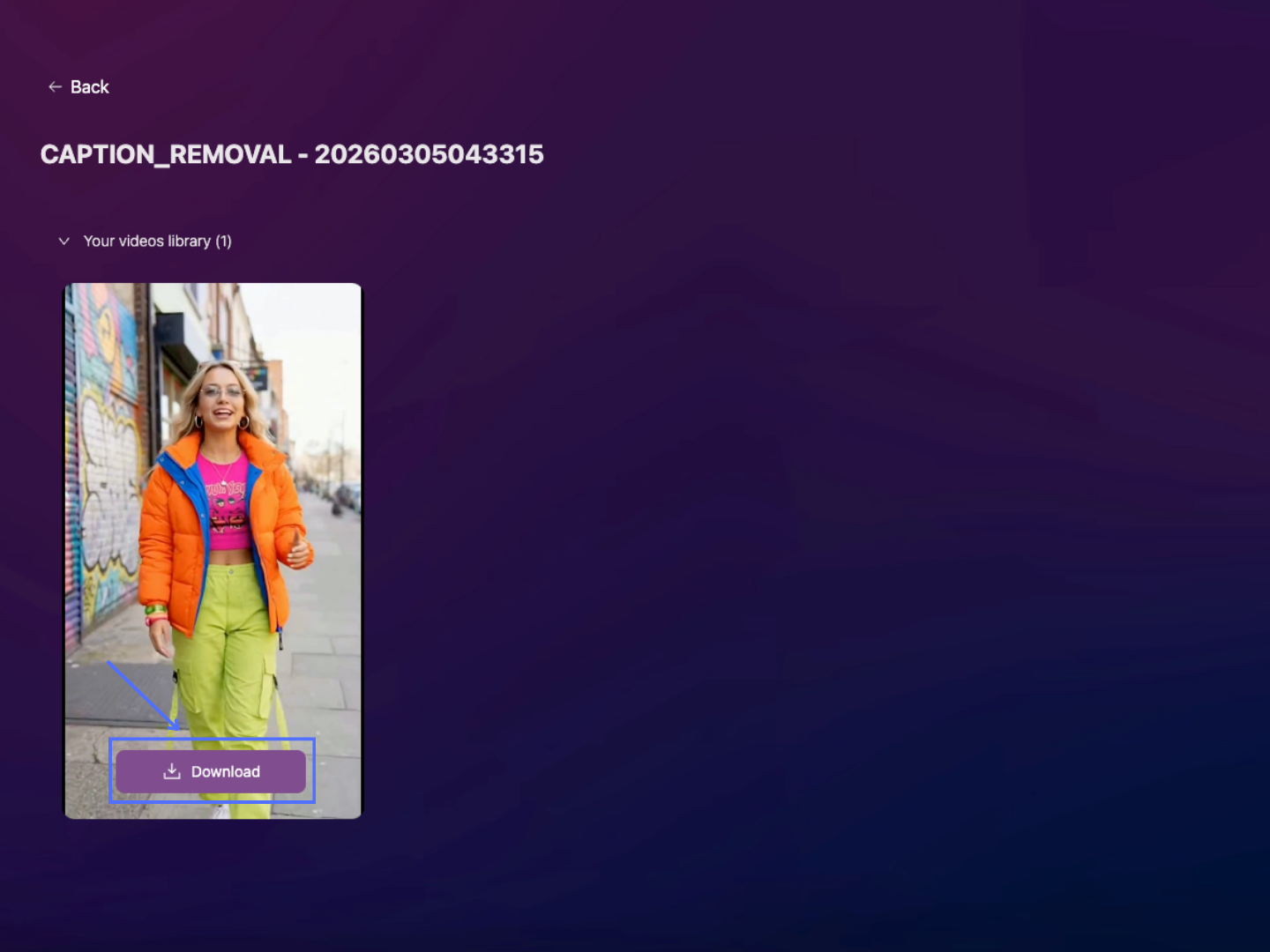
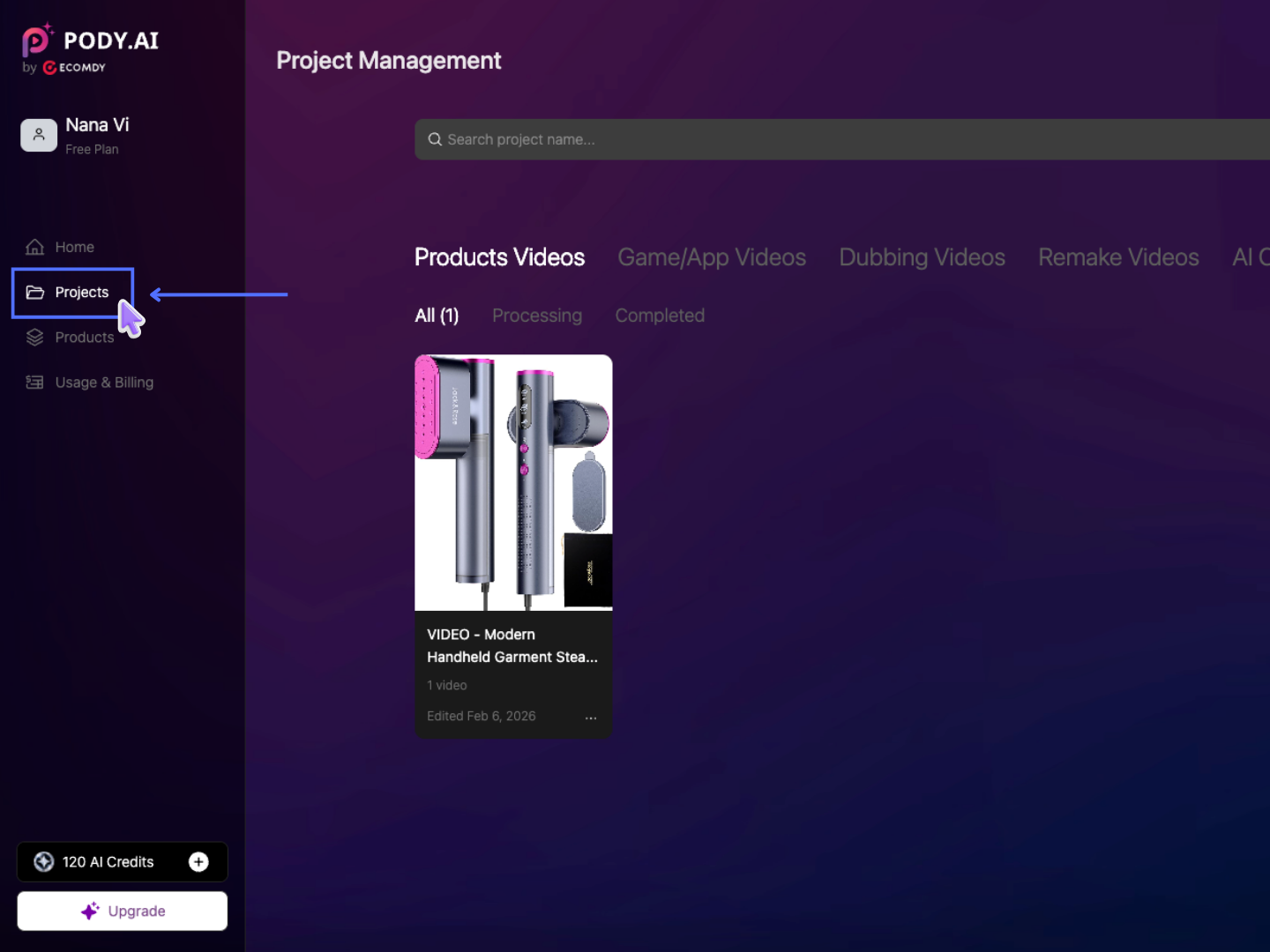
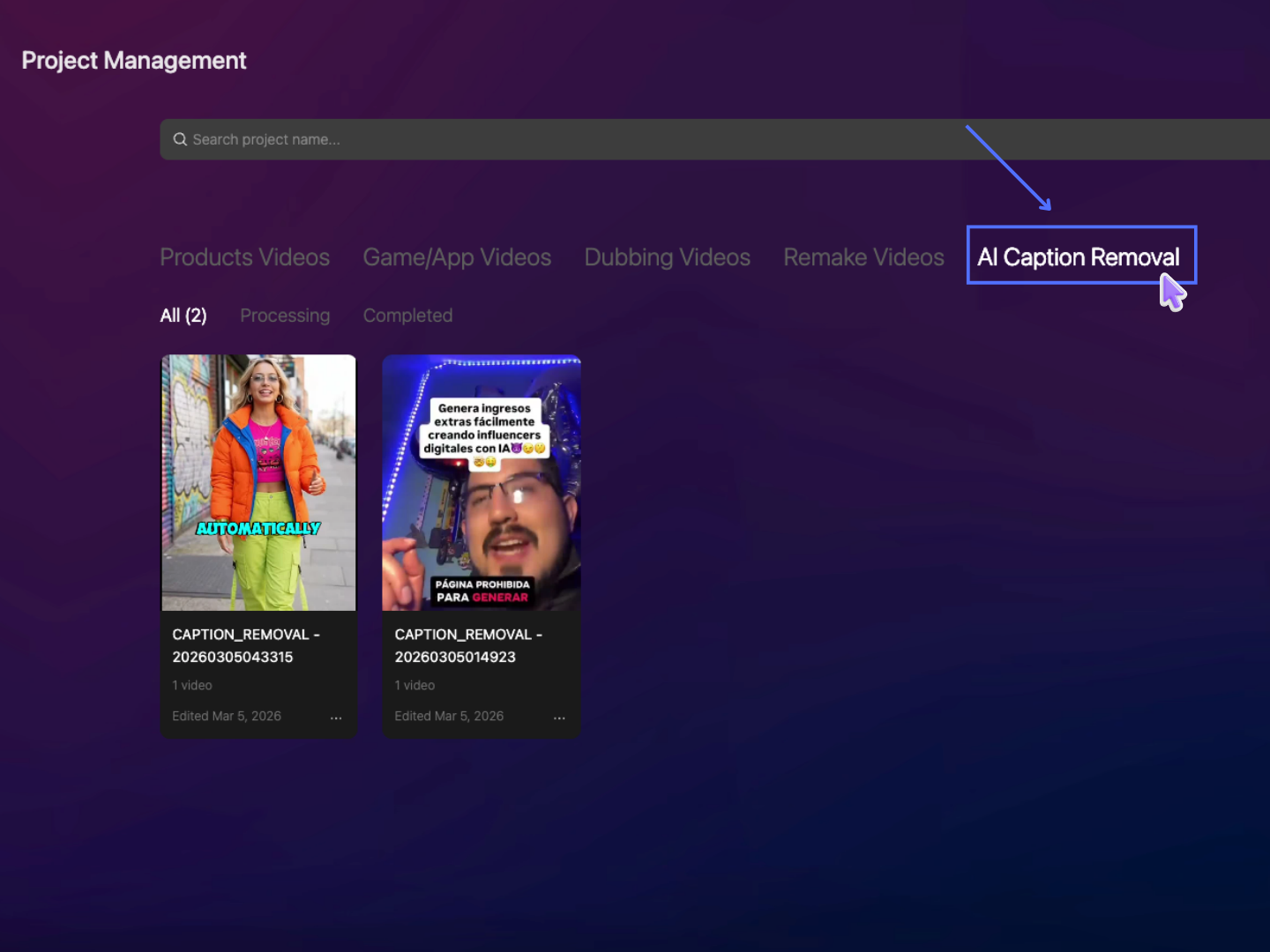
All generated videos can be found in the Project section (https://app.pody.ai/projects) under the AI Caption Removal tab.